Conversion tracking
Anyone can count conversions. Naming the click that paid for them is the work.
Conversion tracking means recording the action you expect from a visitor — a form submitted, a meeting booked, a payment taken — and tying it back to what came before. So it is not first a technique: it is a sentence, the one that says which action counts, and two agencies reporting forty conversions are not talking about the same thing until it is written down.
Two ways to report a conversion
The pixel
Lives in the page. A blocker, a refused consent, a redesign, and the conversion is never reported at all.
The server
Reports the conversion from one server to another, with a secret key. Nothing to install in the page, nothing to break.
An amount sent by a browser can be rewritten by anyone: that is why sales only ever arrive here through the server.
Before measuring: write the sentence
Five decisions. None of them technical, and they are what make the numbers comparable.
Pick the action that counts
A form submitted, a meeting booked, a payment taken. Write it in one sentence before measuring, and do not change it mid-period: a conversion redefined along the way produces a curve that rises while nothing happened — and it is the hardest analysis mistake to find afterwards.
Never add up two different natures
Forms and payments in the same total give a number that maps to no decision at all: you know neither how many people asked, nor how many paid. That is why the product records two distinct natures — the lead and the sale — and they never mix inside a counter.
Set the attribution window
It is the delay past which a click no longer receives a conversion. Set it on the real decision time: an impulse purchase is decided in a day, a four-thousand-dollar engagement in six weeks. From 7 to 90 days per client workspace, 30 by default — and stretching it until the numbers look good is manufacturing sales that never happened.
Decide who gets the credit
When several touchpoints come before a sale, the model decides which one is credited: the first click, the last, or a share for each. Changing model does not change what happened, only the ranking of campaigns in the report. Choosing it on purpose beats inheriting it by default.
Accept the unattributed
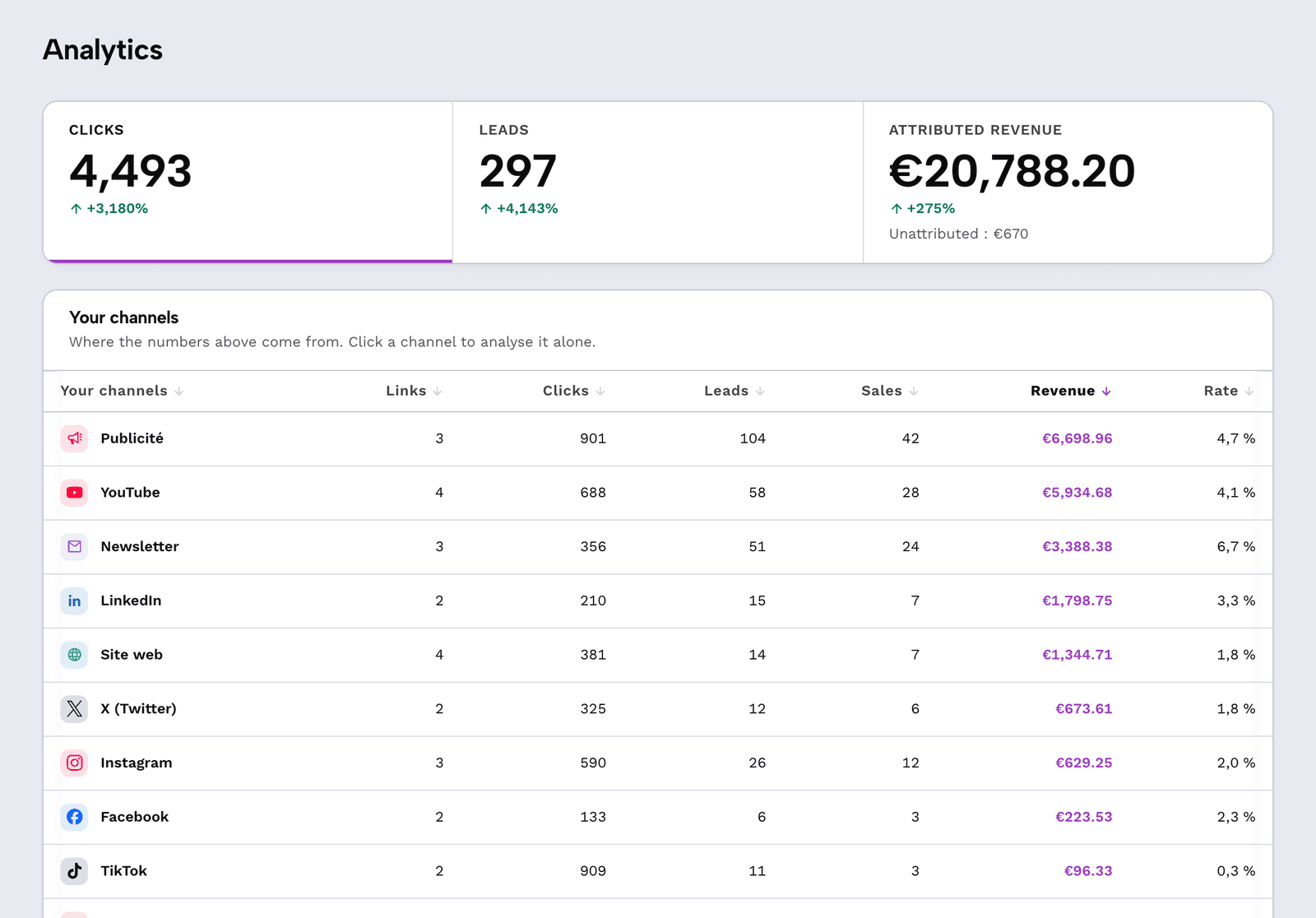
Anything that did not start with a tracked click stays outside the count, and has to be shown that way. A tool promising a hundred percent attribution without cookies is promising the impossible; this one displays the share it cannot explain rather than spreading it around.
The three objections
"Our conversions are not sales."
"A refund will skew the number."
"Conversion tracking is always a paid add-on."
Frequently asked questions
What is conversion tracking?
It is the recording of the action you expect from a visitor — form, booking, payment — and its attachment to where that visitor came from. It starts where click counting stops: a click says someone arrived, a conversion says what they did once there.
Do I need a pixel or code on the site?
No. The conversion is reported from one server to another, with a key: Stripe, Tally, Typeform, Calendly, Cal.com, Systeme.io, Brevo, Zapier, Make and WordPress each have their guide, and the API accepts a sale reported from any server. The client's site is never touched.
Is conversion tracking included on the free plan?
Yes, with no credit card. The free plan gives 10 links created per month and 3,000 counted clicks, and tying leads and sales back is not capped there. It is a pricing choice: what you pay for here is volume and client workspaces, not the right to know what sold.
Why refuse a conversion reported from the thank-you page?
Because it is not always reached, it can be reloaded ten times, and its contents can be edited by the visitor: three different ways to distort revenue. An amount arriving through a browser is not evidence, it is a claim.
What happens to sales with no click before them?
They are recorded as unattributed, and displayed as such in the report. That is the trade-off of a measurement that drops nothing in the browser: it is sturdier, and it is honest about what it does not know.
How is this different from sales tracking?
A sale is a conversion, but not every conversion is a sale. This page covers the definition and the reporting; the sales tracking page covers setting it up with the tools that take the money, without a developer.
Report your first conversion
Create the account, prepare the receiving address, paste it into your sales tool. The first attributed conversion arrives with the first click, and the free account asks for no card.
Create my free accountThe demo shows the real analytics screen, without signing up.