The demo
The report that says which link sold. No account, right now.
No form before you've seen anything. The demo opens the application itself, on a space with sample data — browse it just like your own, in read-only mode. The sales tracking you see there is already on the free plan.
The deal, in four steps
- Open the demoThe demo opens on the dashboard, already filled in. Nothing to create, nothing to type, no address to give.
- Click aroundLinks, a link's detail, analysis, the report, workspaces: these are the product screens, not images.
- Create your accountCreate a link, add a domain, invite someone: that is where — and only where — we ask for your email address.
- Your space is readyA code received by email, and you're in. No password, no credit card, no sales call.
Nobody asks for your address to look. We ask the day you want to act — and that day, it is for you, not for us.
What you are opening
Not a video. The application.
The demo serves the same files as a paid account. There is no stripped-down version, no screenshot dressed up as an interface: the sidebar, the workspace picker, search, period filters — everything responds.
The space you are viewing is called "Fictional data — demo", and that name appears everywhere it is displayed. You are never shown a real client's data, not even anonymized.
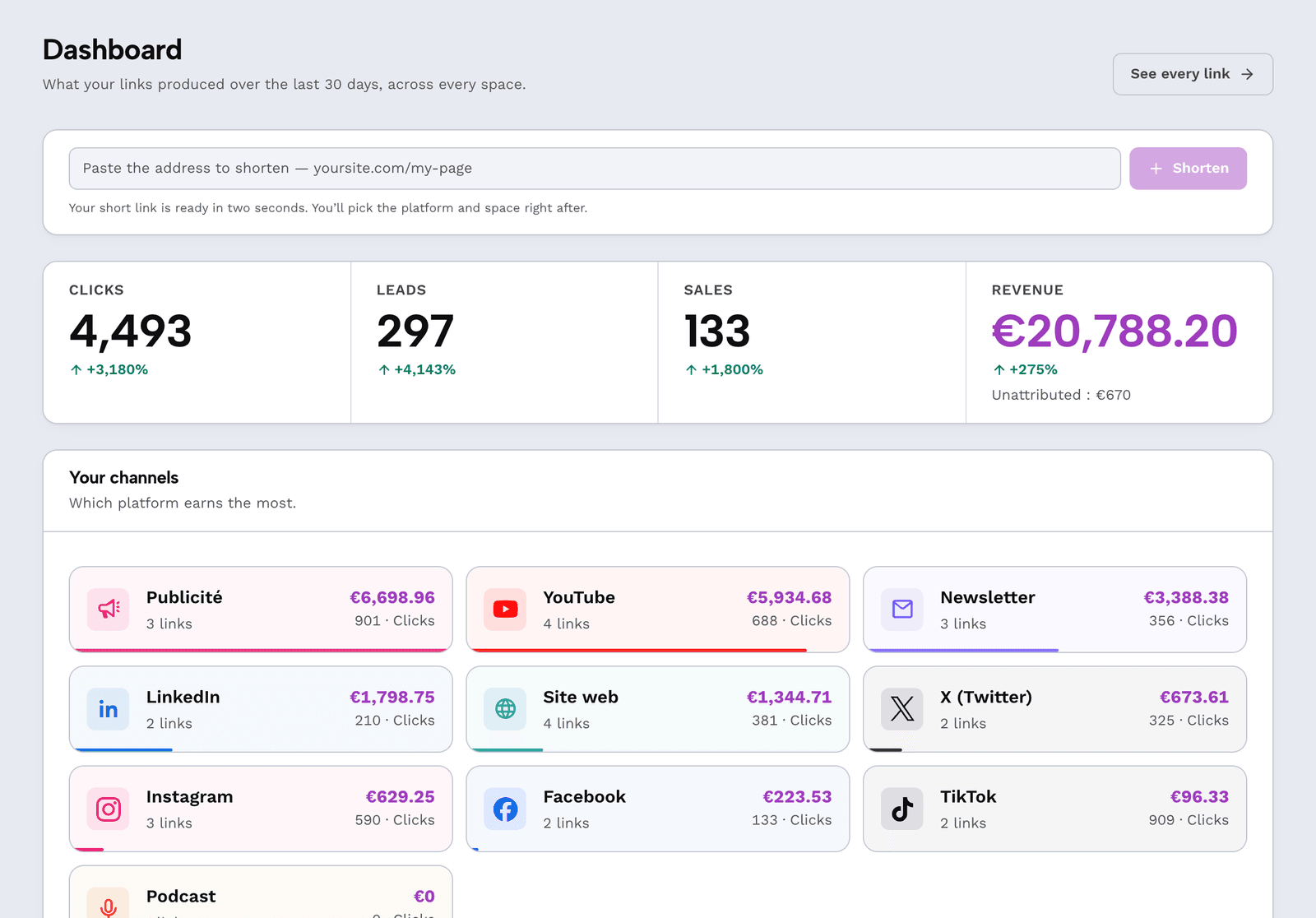
The screens to open first
From link to attributed revenue
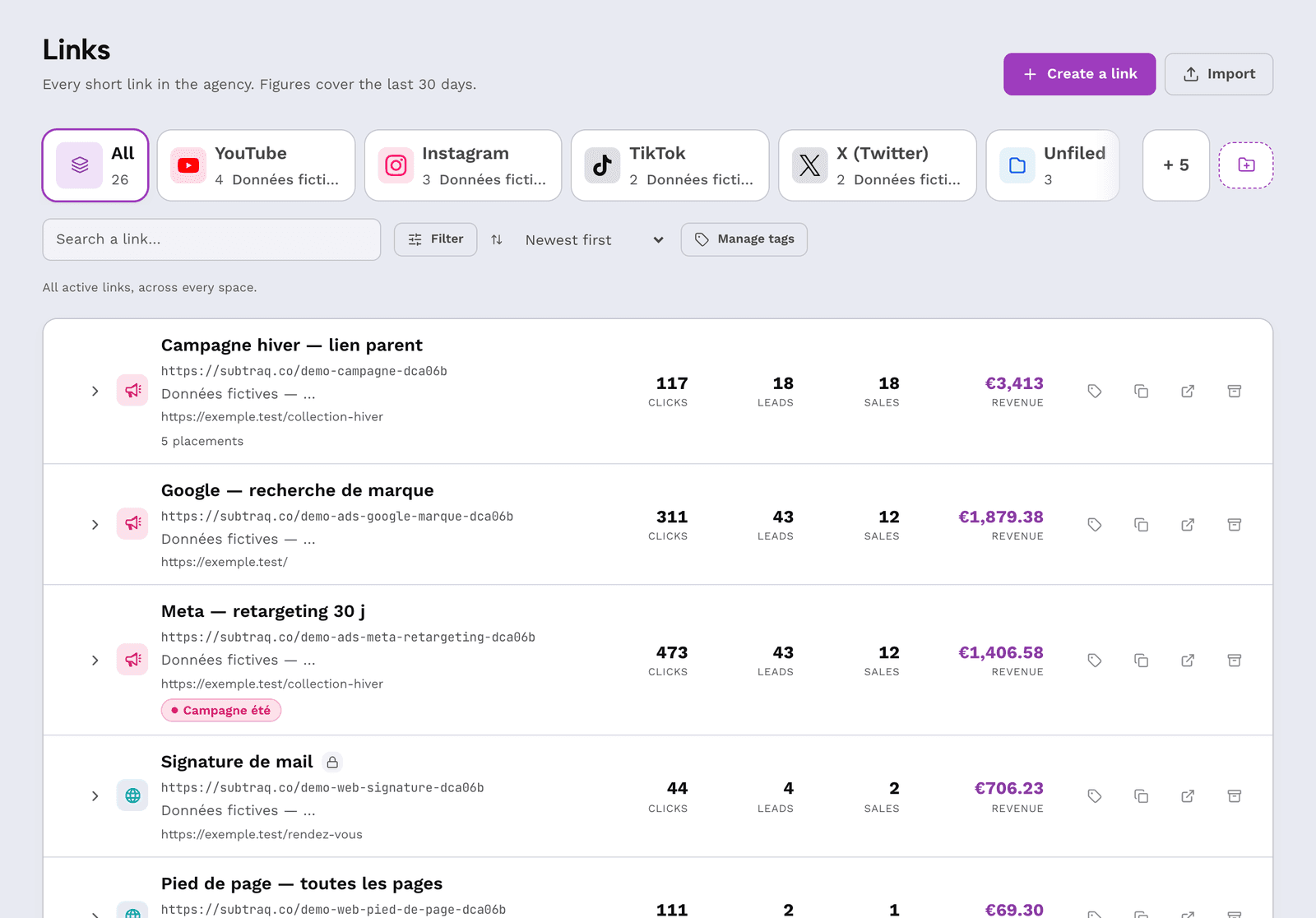
Start with Links. Each row is a shortcut distributed somewhere, with its platform and revenue. Open one: you land on its trend line, traffic sources, QR code, and — for one of them — an A/B test with its verdict.
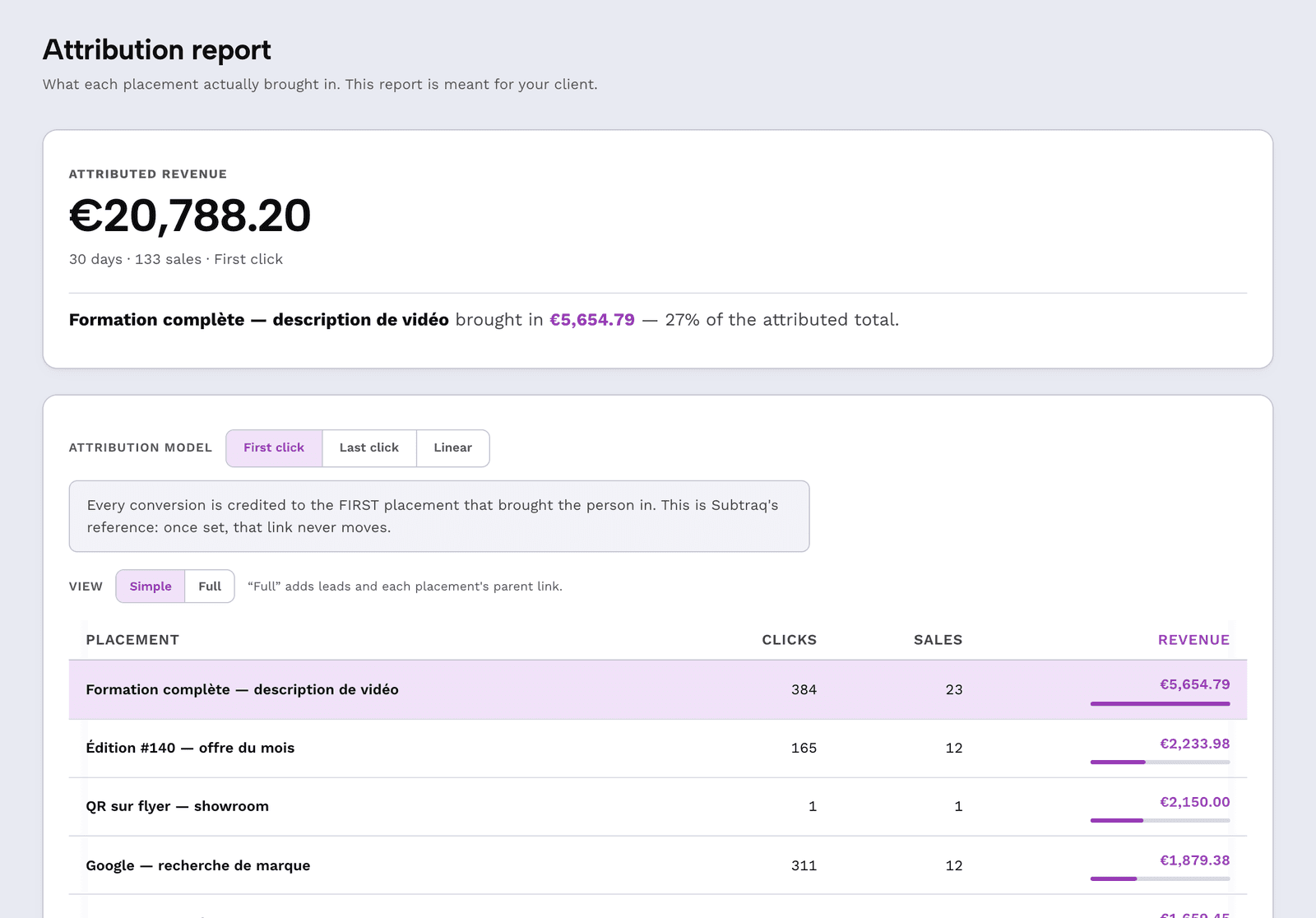
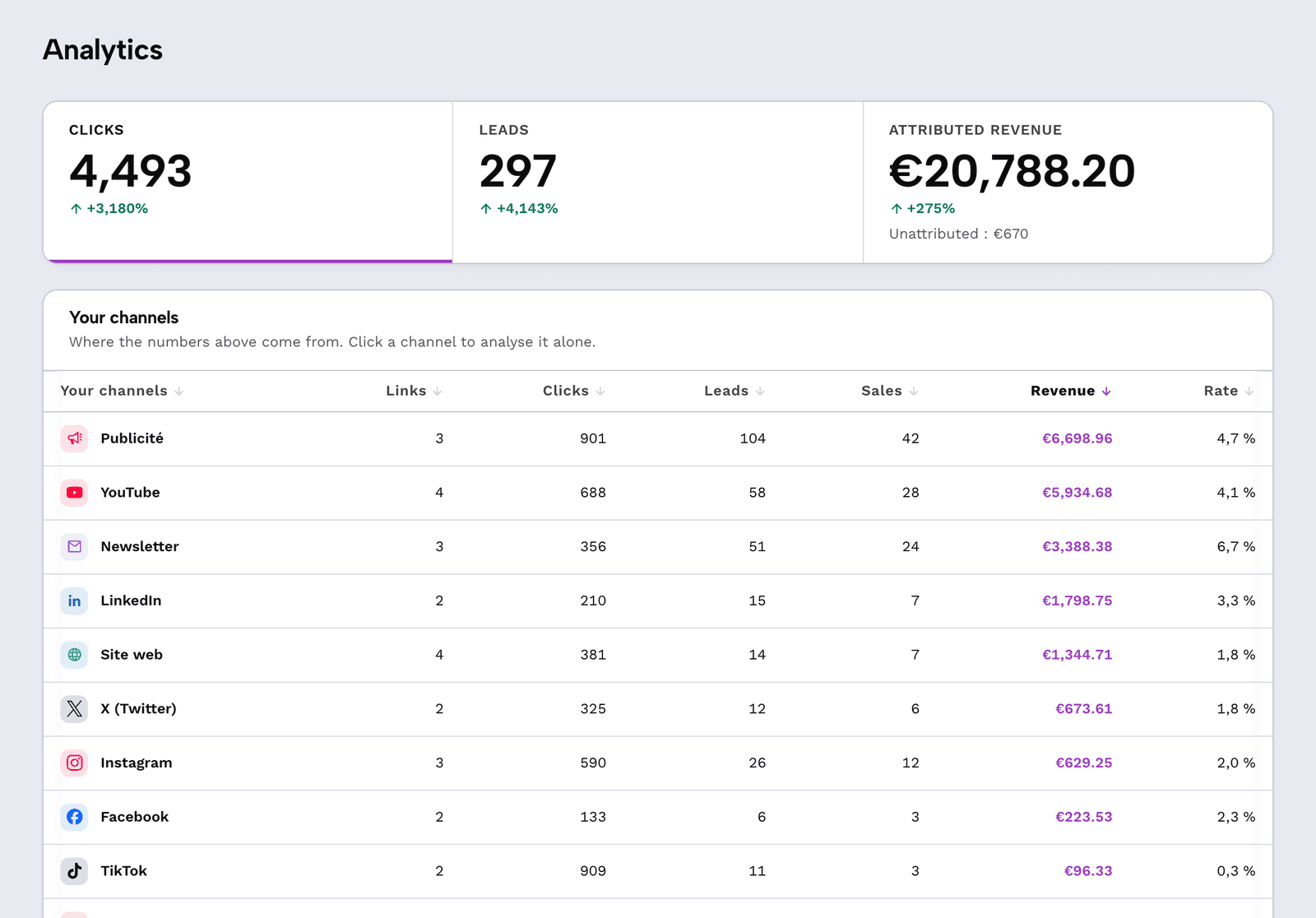
Then go to Analysis for the monthly view, then to Report — the document you send your client, with attributed revenue up front and unattributed written alongside it, never inside.
What the demo refuses
A read-only demo
The buttons are there and they respond: create a link, add a domain, invite someone, schedule a report. But nothing is saved — the server rejects any write from the demo, and would reject it even if you tried from the browser console.
On the first such action, a panel opens and offers your own space. That is the only moment your address is requested, and you choose when it comes.
What comes next
Free: 2 client spaces — no credit card
The free plan never expires and requires no payment method. It covers 2 client spaces, 10 links per month, 3,000 clicks counted per month and 1 custom domain.
Enough to ask "how much did this channel bring in?" on a real client, with your own links, before deciding anything.
The demo
Step inside the demo
Twenty seconds to understand everything, then the real application — open, read-only, no account.